Walkoot
Support
Get help with discovering events, buying tickets, accessing your QR entry, and managing your Walkoot account.
Help
How we can help
Walkoot support is here to help with the most common app needs so you can get back to your event quickly and confidently.
Find nearby events
Complete ticket purchases
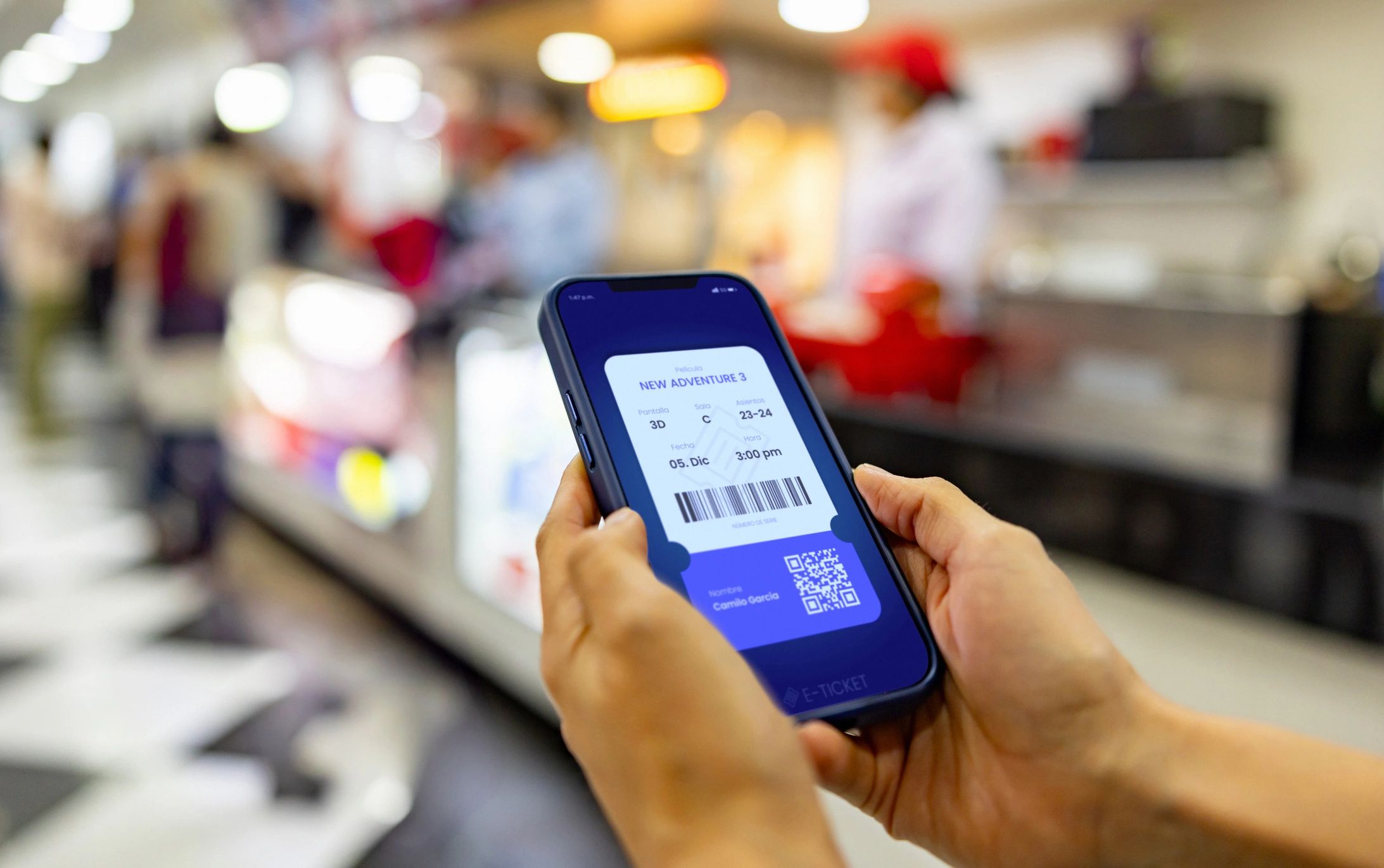
Access QR tickets
Manage your account

Frequently asked questions
Quick answers for common Walkoot support topics.
How do I find my ticket?
Open the Walkoot app and go to your ticket or event area to access your purchased ticket and QR entry code.
Why is my QR code not loading?
Make sure you are signed in, have an internet connection, and are using the latest version of the app. If the issue continues, contact support.
Can I buy tickets in the app?
Yes. Walkoot lets you discover local events and purchase tickets directly in the mobile app.
How do I delete my account?
You can permanently delete your Walkoot account directly from the mobile app. Open the Profile tab, select ‘Delete Account’ and follow the confirmation steps.
What if I need more help?
Use the contact form below and share as much detail as possible, including the event name and the issue you are experiencing.
Can I use Walkoot at the venue?
Yes. Your QR ticket is designed for event entry, making check-in simple when you arrive.
Contact
Contact support
Need help with your account, tickets, or event access? Send a message and the Walkoot team will review your request.
Next step
Need more guidance?
Visit the homepage to learn more about Walkoot and how the app helps you discover events, buy tickets, and show up with ease.